Days 1 to 30: choose wisely
- Pick 5 to 10 critical assets
Choose assets where a failure is costly and where failures give warning signs.
- Pick one or two readings each
For example vibration on a pump, temperature on a transformer or pressure in a network.
- Agree the limits
Ask engineers what normal looks like and when they would want to know.
Days 31 to 60: connect and link
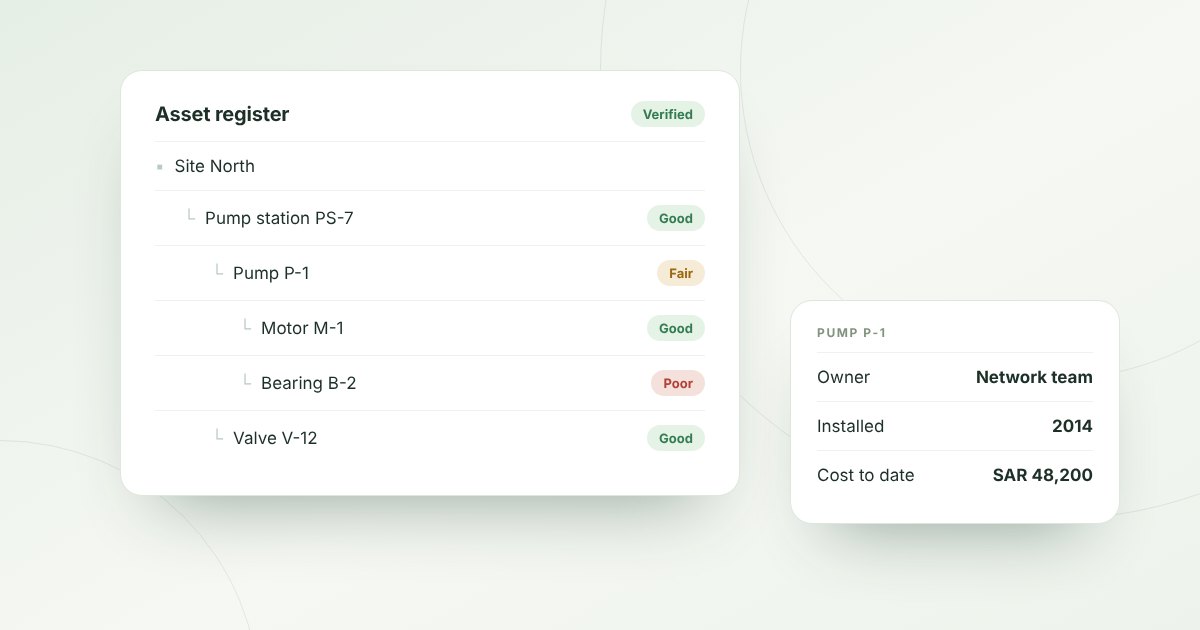
Connect the devices so that every reading is stored against the asset it measures, not in a separate vendor portal. This is what makes the data useful: the engineer sees the readings next to the inspection history and the work orders.
- Use open methods such as JSON over HTTPS or MQTT.
- Check that every device is installed on the right asset.
- Watch for devices that stop reporting.
Days 61 to 90: turn readings into action
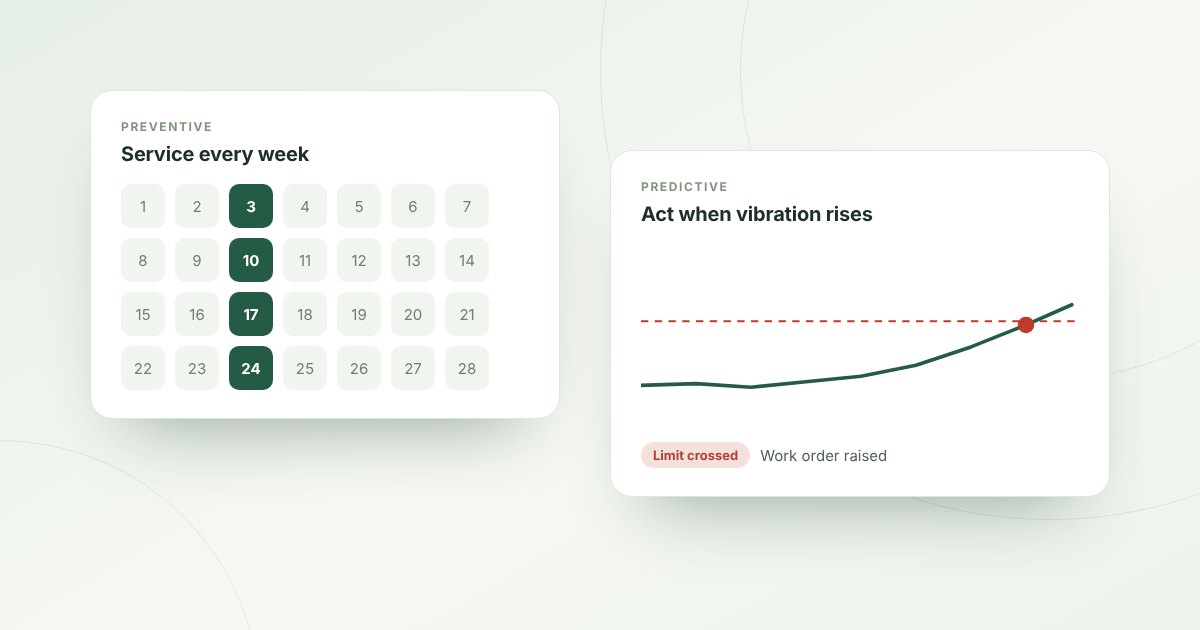
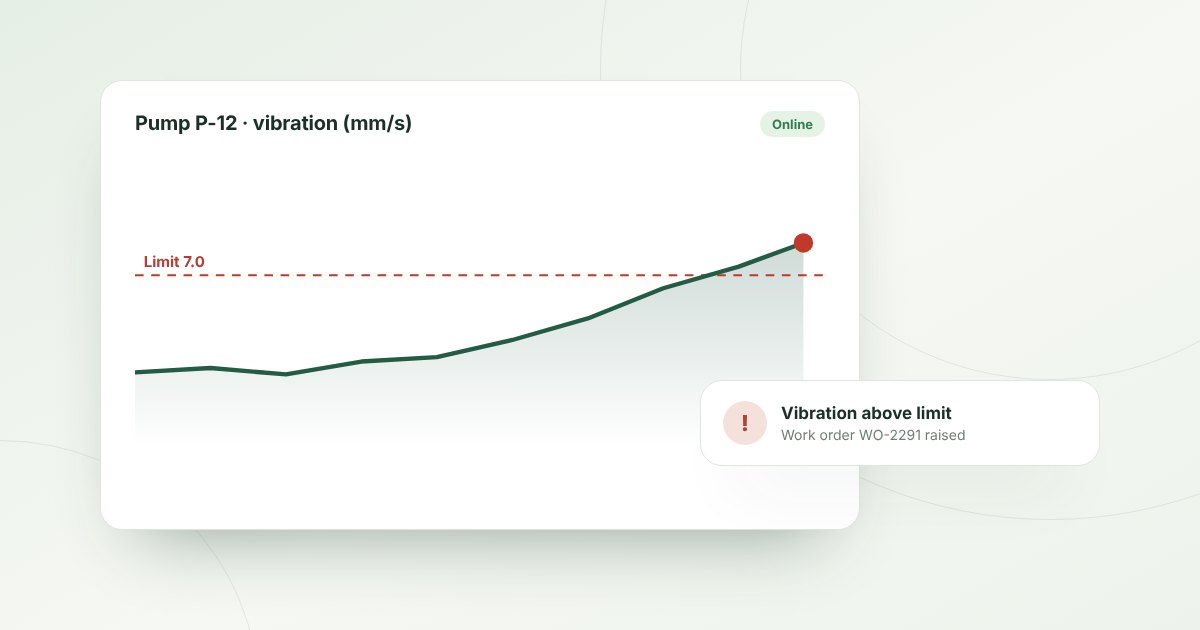
Set rules on the readings. When a limit is crossed, the platform should do three things automatically: alert the right people, create a work order and record what happened. A reading that does not lead to action is just noise.
- Severity levels
Use a few levels, such as critical, high and medium, with a clear response for each.
- Work orders from alerts
Every serious alert creates a job with the asset and reading attached.
- Acknowledgement
Record who saw the alert and when.
Measure the result
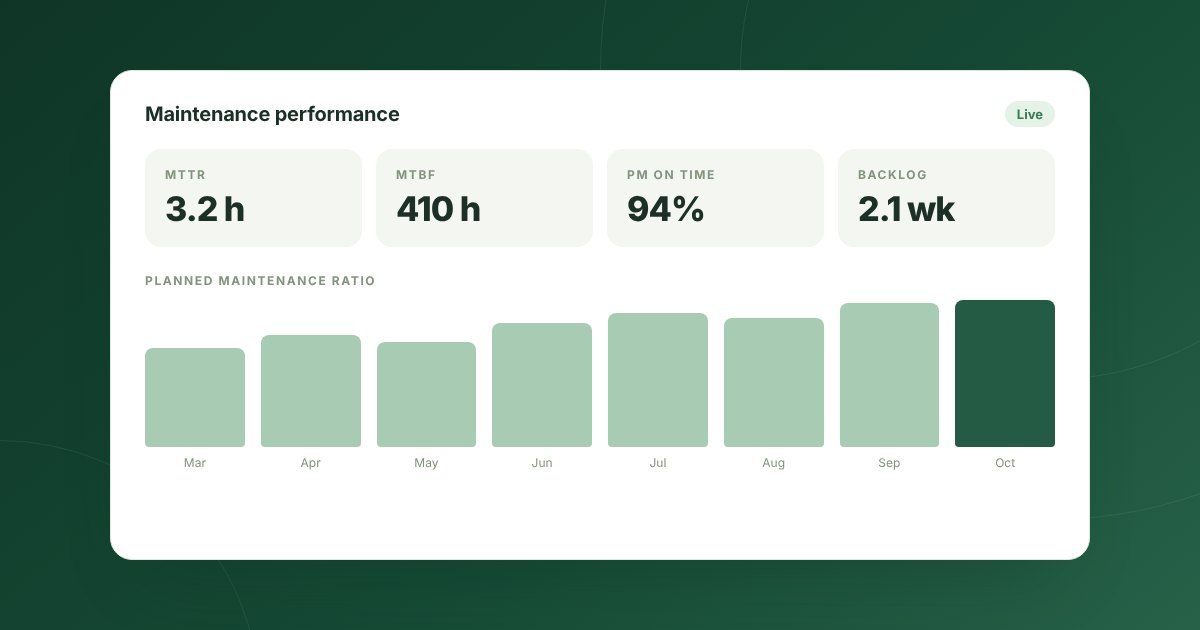
At the end of the 90 days, list the problems the sensors caught early and estimate what each failure would have cost. Compare that with the cost of the pilot. This is your business case for the next group of assets.
Common mistakes
- Starting with too many assets and too many readings.
- Keeping sensor data in a separate system from maintenance.
- Setting limits so tight that people start ignoring alerts.
- Having no owner for the alerts.
How Mintema helps
In Mintema, devices are installed on the assets they measure and send any JSON payload over HTTPS or MQTT. The Automation Studio checks every reading against your rules, raises work orders and sends alerts to the right control room by severity, with every acknowledgement on record.