The hidden cost of custom development
- Every change waits in a developer queue.
- Custom code must be tested and maintained with every upgrade.
- Knowledge sits with a few people or an outside vendor.
- The business stops asking for improvements because they take too long.
The result is software that matches how the organisation worked on the day it went live, and less every month after.
What no-code configuration means
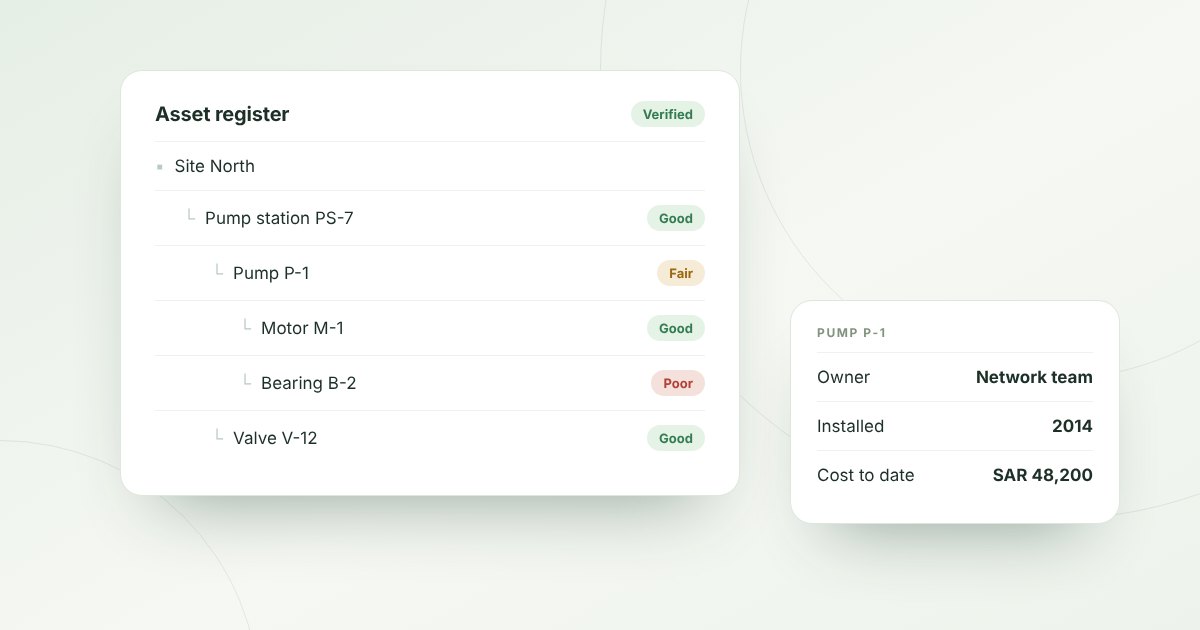
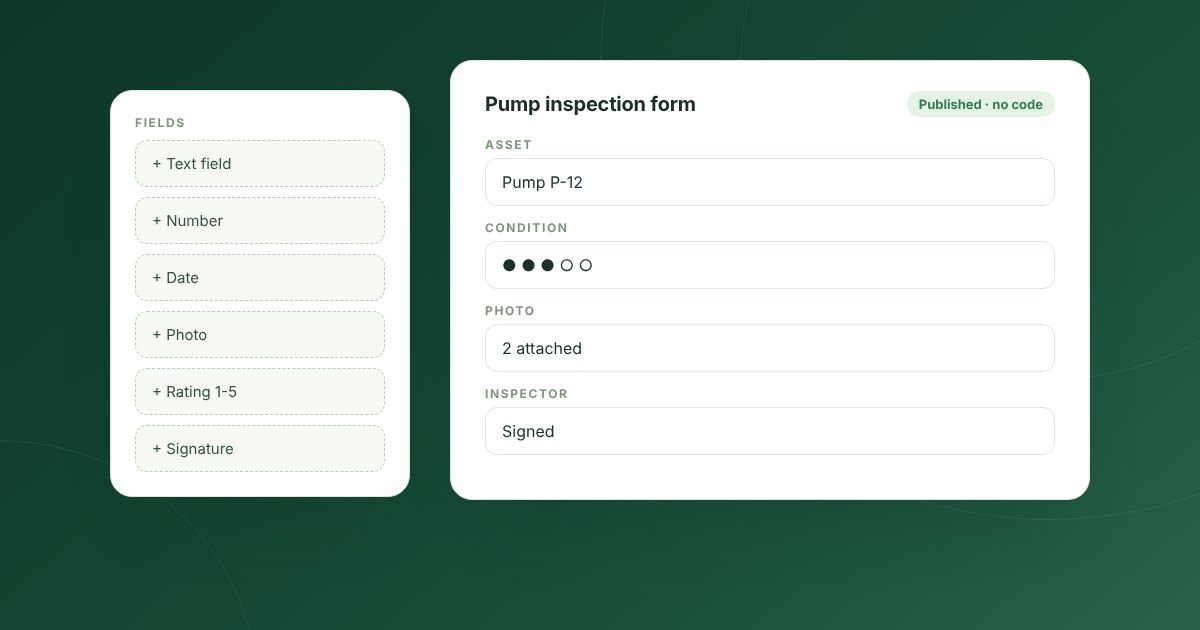
In a no-code platform, trained business users design asset types, fields, forms, approval steps, rules and reports through screens, not code. The platform turns those designs into real database structures and working screens. Changes take hours, not months.
Where no-code works best
- New asset types and their fields.
- Inspection forms, checklists and scoring methods.
- Approval workflows and work order stages.
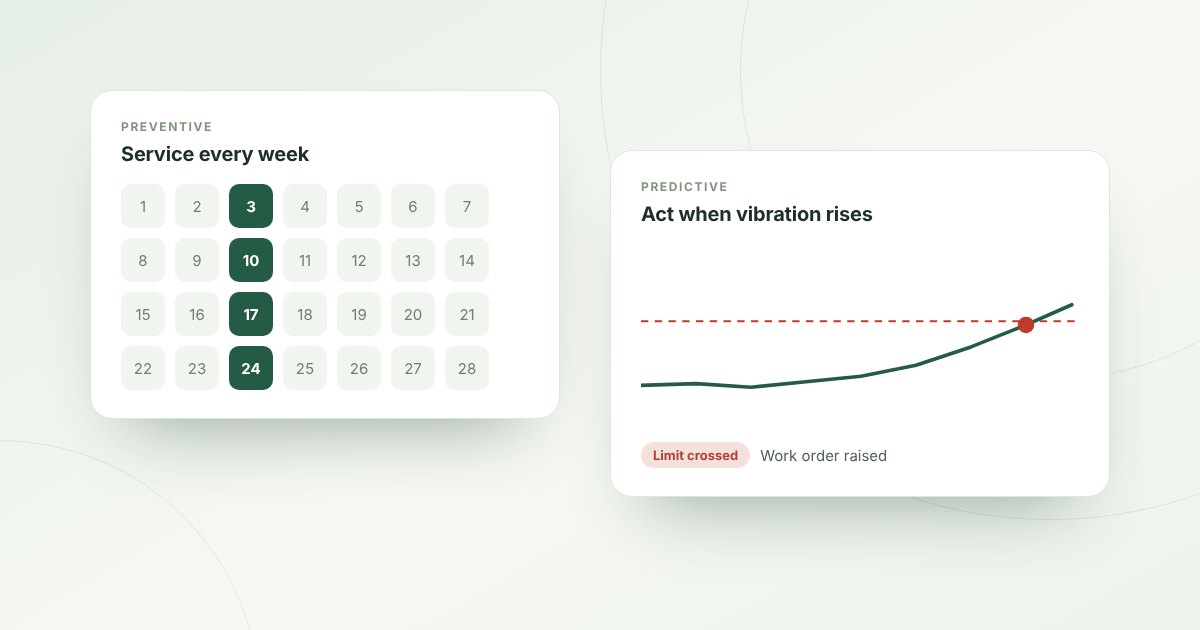
- Alert rules and automation.
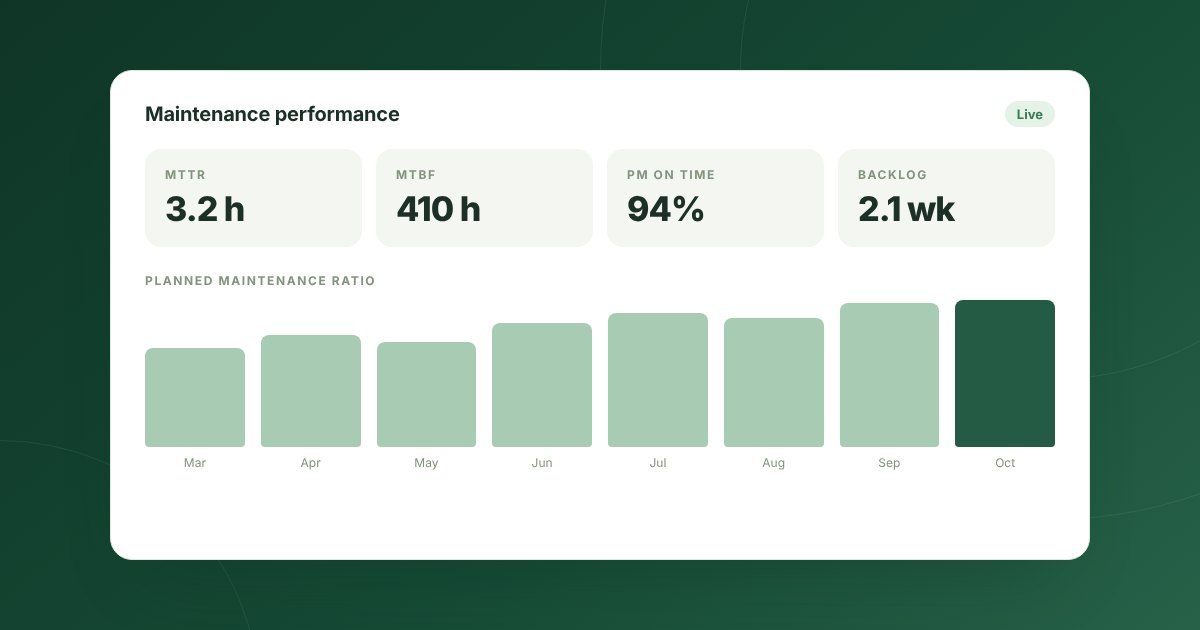
- Dashboards and scheduled reports.
Where custom work still makes sense
Integration with very specific in-house systems, unusual calculations or special devices may still need some development. The best approach is to keep that work at the edges, through APIs, and leave the core configuration in the hands of the business.
Questions to ask a vendor
- Who makes changes?
Can our own team add an asset type or change a form without the vendor?
- What happens on upgrade?
Do our configurations survive upgrades untouched?
- How is it governed?
Can IT review and approve changes before they go live?
- Does it scale?
Do configured objects perform well with millions of records?
How Mintema helps
The Mintema No-Code Studio lets your team design asset types, forms, fields and workflows, published as real database tables. Automation rules and reports are built the same way, and IT keeps control through permissions and a full audit trail.